
EmuOS: Play Retro Games in Your Browser with Windows 98
This article was written for Western Sydney Publishing and published in Jan 2026. I hope you all had a wonderful holiday break. I had a chance to play with some retro Windows 98 emulation and games. There are two programs I played with – one is a browser-based emulator with maybe 50 games, and the other has thousands of retro games but requires installation. This week, I will cover the browser-based version, and next week I will discuss the more comprehensive version. So, if you feel like a bit of retro gaming – Doom 1-3, Prince of Persia, Minecraft, Flappy Bird, Tomb Raider, and many more, read on.
EmuOS is a project that lets you run classic software, old operating systems, and retro games right in your web browser. It uses a web browser to recreate the look and feel of early Windows versions, especially Windows 95, 98, and ME. This way, you can explore or rediscover old-school computing without having to install any emulator software.
To get started, visit https://emupedia.net/beta/emuos/
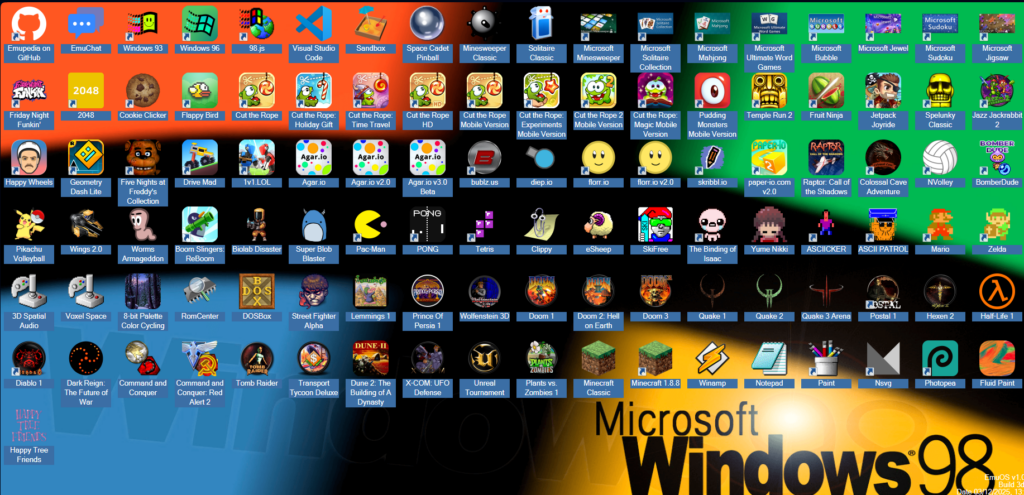
You’ll see options for Windows 95, Windows 98, and Windows ME. Most of them have the same games, so pick Windows 98. It will load a desktop that looks just like Windows 98. This desktop is your starting point for all the software and games. EmuOS gives you an interactive retro desktop that runs right in your browser.
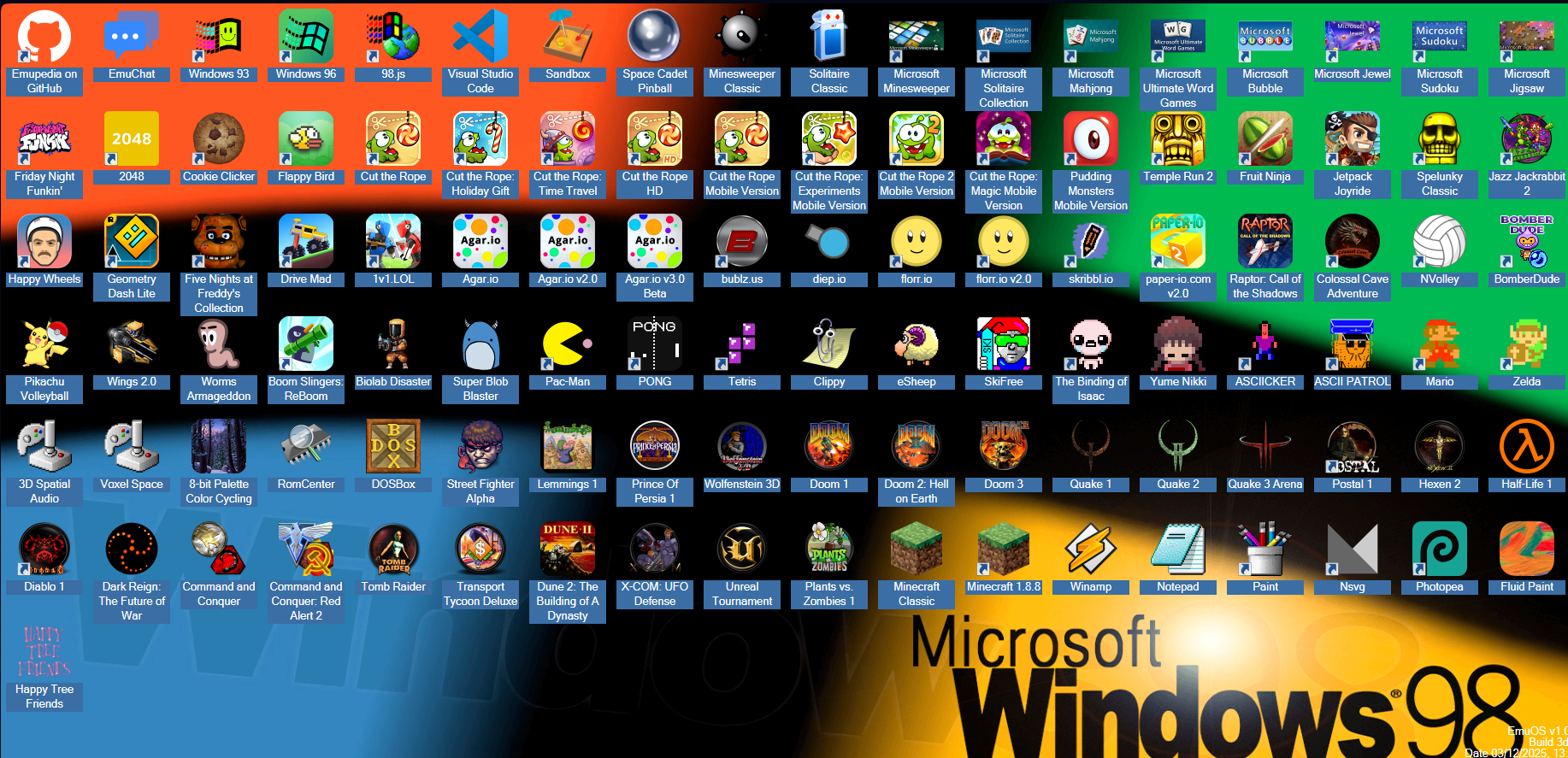
The desktop includes a variety of emulated programs, as well as different tools utilities and applications. You’ll find Winamp 2.9, the classic media player, along with Paint, Notepad, Monaco Editor, and PixelCraft.
One of the best things about EmuOS is its big collection of classic games. You’ll find everything from simple web games to full PC classics like Doom, Doom II, and Wolfenstein 3D. You can also play Quake, Quake II, and Quake III Arena. Other games include Command & Conquer, Lemmings, Prince of Persia, Raptor, Transport Tycoon Deluxe, Tomb Raider, and Dark Reign. There are Casual classics like SkiFree, Flappy Bird, and Minesweeper.
DOSBox v0.74 is a DOS emulator. This allows you to access DOS-based games. Examples include Commander Keen, Command and Conquer, Aladdin, The Lion King, Lemmings, and Monkey Island.
To access these games, go to the website, select a game, and double-click its desktop icon. There is no installation required. In summary, EmuOS offers an accessible and comprehensive platform for exploring or reliving classic old school Windows games directly in your browser.
Comments are closed