
Extended Security Updates (ESU) program.
This article was written for Western Sydney Publishing and published in September 2025.
Microsoft will officially end support for Windows 10 on October 14, 2025. After that, Windows 10 will no longer receive free security updates, which could put many users at risk. If you are not ready or able to upgrade to Windows 11, Microsoft now offers the Extended Security Updates (ESU) program. This gives you a way to keep Windows 10 secure for one more year, until October 13, 2026.
The ESU program provides critical security updates for Windows 10 after its official end of life. It does not include new features, non-security bug fixes, or technical support. For businesses, ESU can be extended up to three years, but for home users, the extension lasts only one year.
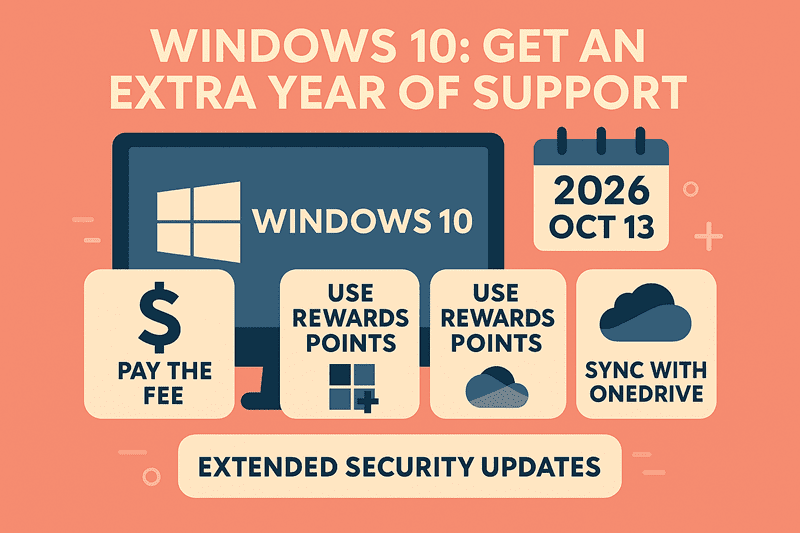
Option 1: Pay the Fee. The simplest way is to pay $30 USD for one year of security updates. This fee covers up to 10 devices on the same Microsoft account, which is helpful for families with several PCs. You can enrol through Windows Update settings. If your device is eligible and running Windows 10 version 22H2, you will see an ‘Enrol in Extended Security Updates’ wizard. For businesses, the cost is significantly higher, starting at $61 per device for the first year, with a doubling of the cost each subsequent year for up to three years.
Option 2: Use Microsoft Rewards Points. If you collect Microsoft Rewards points by using Bing, shopping in the Microsoft Store, or playing Xbox games, you can use 1,000 points to pay for ESU enrolment. For example, downloading the Bing app awards you 500 points, making this option easily accessible to many users.
Option 3: Sync with OneDrive for Free Updates. You can obtain ESU for free by enabling Windows Backup and syncing your PC settings to OneDrive. You need to sign in with a Microsoft account and use the Windows Backup app to save your settings and files to the cloud. Microsoft gives you 5GB of OneDrive storage for free. If you need more space, extra storage starts at about $2 per month for 100GB.
How to Enrol: To qualify, your PC must:
- Run Windows 10 version 22H2.
- Install the August 2025 cumulative update (KB5063709) to enable the ESU enrolment wizard.
- Be linked to a Microsoft account, regardless of which option you choose.
Once eligible, go to Settings → Update & Security → Windows Update, look for the “Enrol now” option, and choose your preferred method: pay $30, redeem 1,000 Rewards points, or sync with OneDrive.
Comments are closed